OP Auto Clicker - Auto Tap
mouse tool
Downloads
5,000,000+
Source
Google Play
Advertisement
Click to download now, finish the installation quickly, and directly unlock the all-round experience
Advertisement
Screenshots
Click to download now, finish the installation quickly, and directly unlock the all-round experience
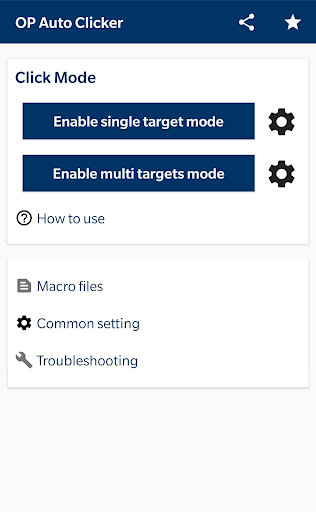
OP Auto Clicker - Auto Tap automates repeated taps and swipes on an Android screen. It suits people who need the same touch actions carried out again and again, with controls for choosing where and how often they happen.
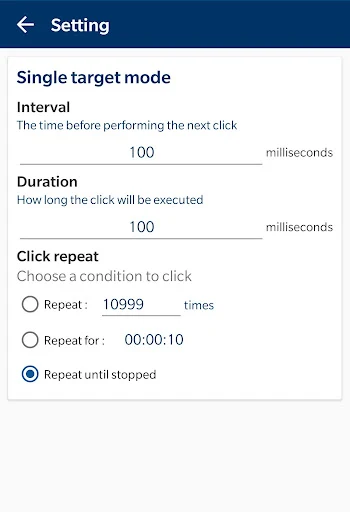
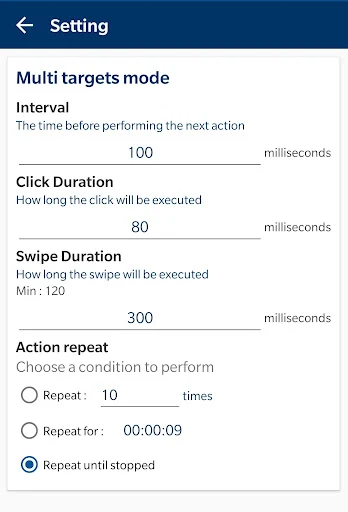
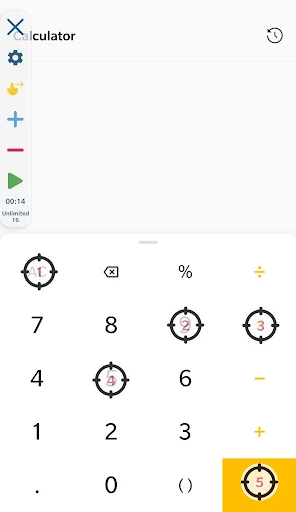
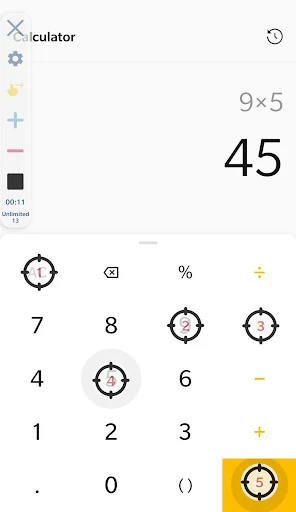
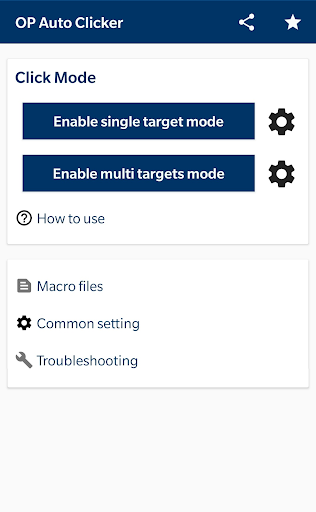
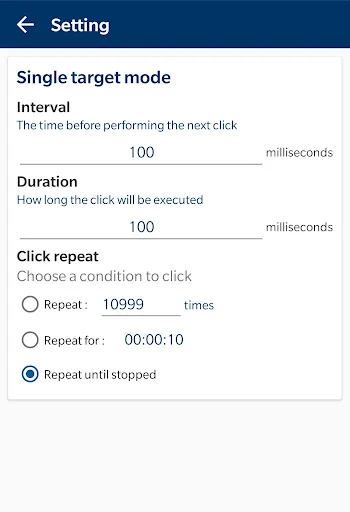
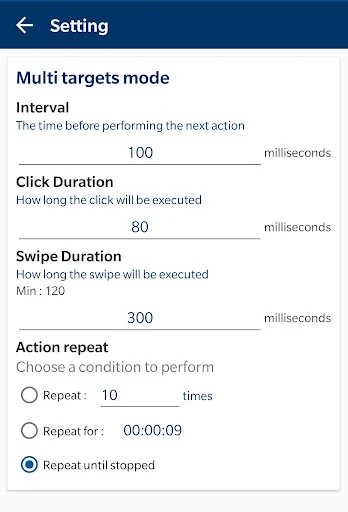
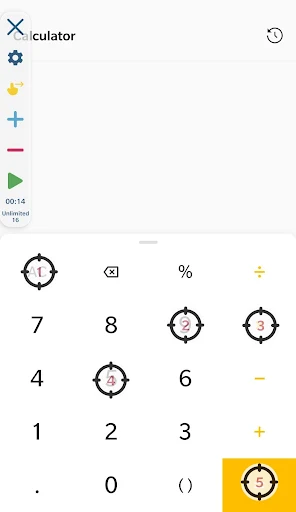
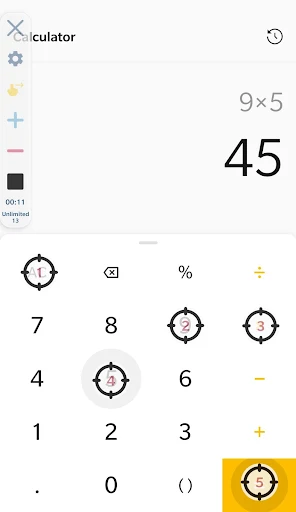
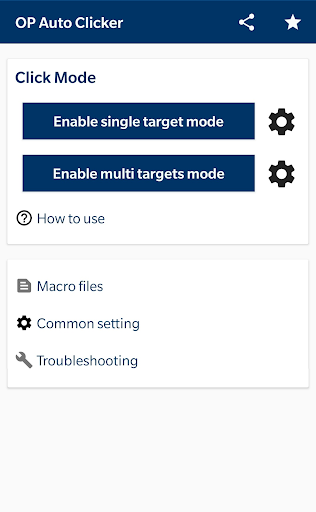
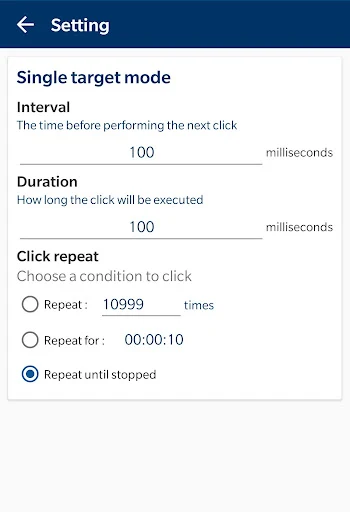
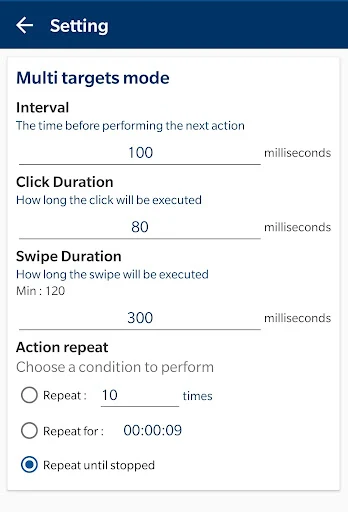
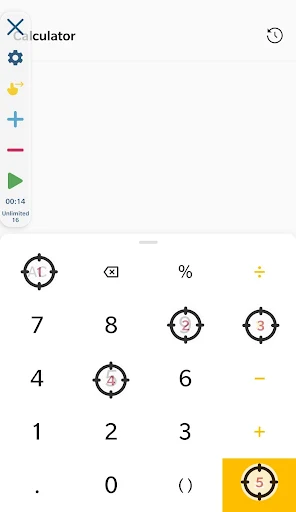
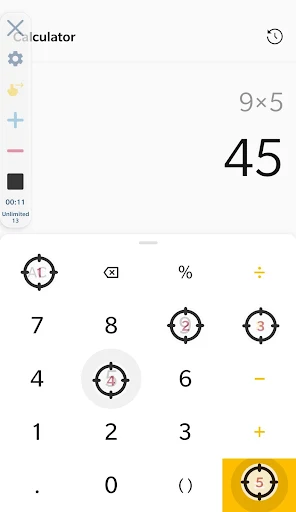
Use a single target for a repeated tap, or configure several click points and swipe actions for a more involved sequence. You can set the delay between actions, how long a touch lasts, and a repetition count. That gives you a way to shape the action around the task rather than repeat one fixed tap pattern.
The app can save and load scripts, so a sequence you have already arranged can be kept for later use. Its control interface can also be resized and adjusted for opacity.
Automatic interaction depends on Android’s Accessibility Service, which the app uses to carry out taps and swipes. The listing says the app works on Android 7.0 or later and does not require root access. Because this tool acts on screen content, review the accessibility permission before enabling it and make sure its use fits the app or task you have in mind.
Published by mouse tool in the Tools category, OP Auto Clicker - Auto Tap has a 4.3 out of 5 rating from 14,655 ratings and more than 5 million installs. Those figures suggest it has found a broad audience, but the practical reason to choose it is narrower: it brings repeatable taps and swipes, with adjustable timing and multiple targets, into one tool.