Quick Settings
Simone Sestito
Downloads
1,000,000+
Source
Google Play
Advertisement
Click to download now, finish the installation quickly, and directly unlock the all-round experience
Advertisement
Screenshots
Click to download now, finish the installation quickly, and directly unlock the all-round experience
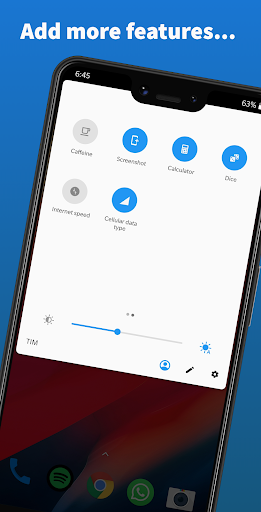
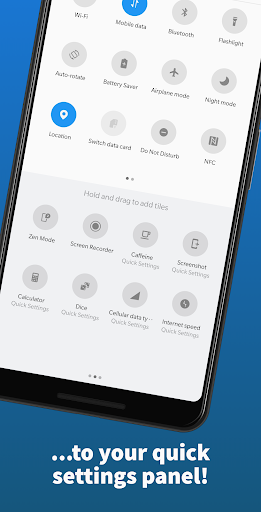
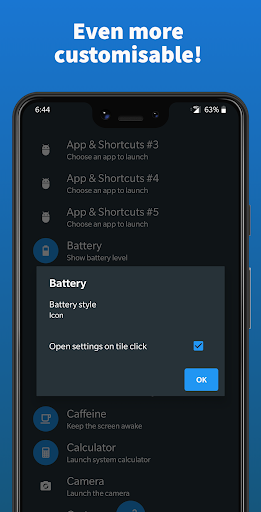
Quick Settings adds extra tiles to the Android notification shade, so useful actions and shortcuts are closer at hand. It suits people who want to customize that panel with controls beyond the ones their phone includes by default. Simone Sestito’s app offers more than 53 tile types, and many can be used without root access.
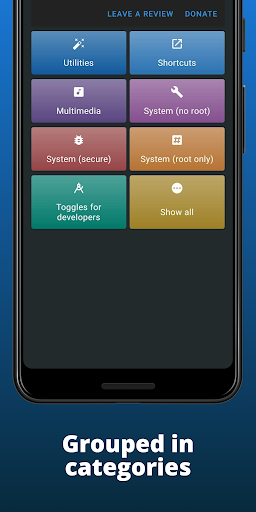
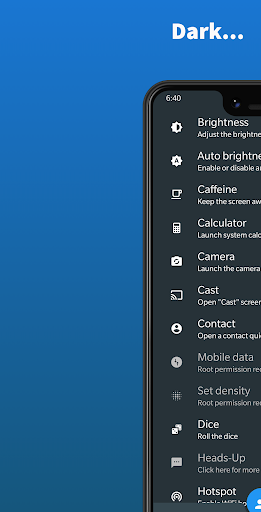
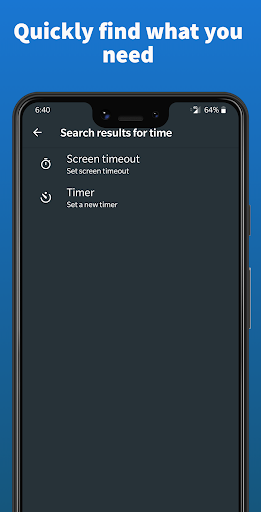
The selection ranges from practical switches to quick ways of opening tools. Add tiles for brightness, rotation, hotspot, battery saver, screen timeout, volume, or mobile data; or use shortcuts for a calculator, camera, timer, contacts, or your chosen apps. There are also tiles for actions such as taking a screenshot, locking the screen, and starting a search.
The point is not to fill the panel with everything available. Pick the few actions you reach for often, and keep them within a swipe.
Tile availability depends on Android’s support on your device. The app does not work on Chinese ROMs that lack the required TileService API; that limitation comes from the manufacturer’s software. MIUI requires version 10 or later. Some setup may also involve granting a system permission through ADB.
Quick Settings is listed in Personalization and has more than 1,000,000 installs. Its rating is 4.23 out of 5 from 15,485 ratings. The app can use Device Administrator and Accessibility permissions to lock the screen, but only when you enable the feature and explicitly request that action.