Advertisement
Click to download now, finish the installation quickly, and directly unlock the all-round experience
Advertisement
Screenshots
Click to download now, finish the installation quickly, and directly unlock the all-round experience
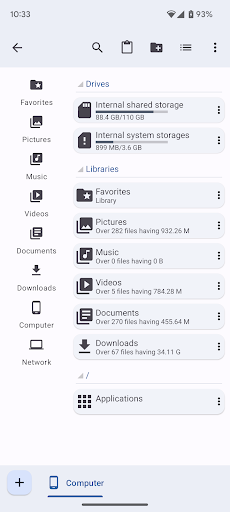
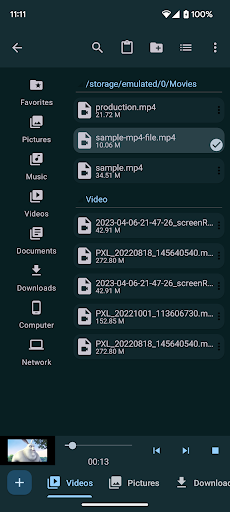
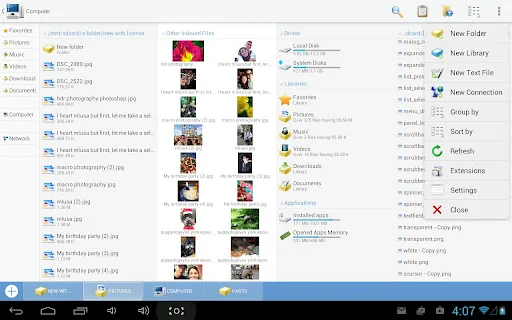
Computer File Explorer gives Android users a desktop-style way to manage files, with tabs for keeping several folders open at once. It suits people who regularly move documents between folders or want to reach files stored on a computer or network server, rather than relying only on a basic single-folder view.
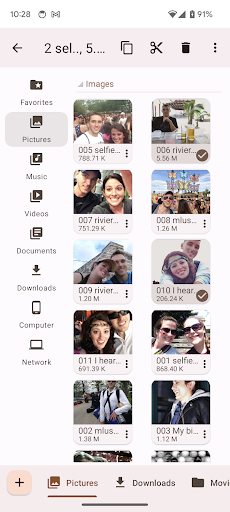
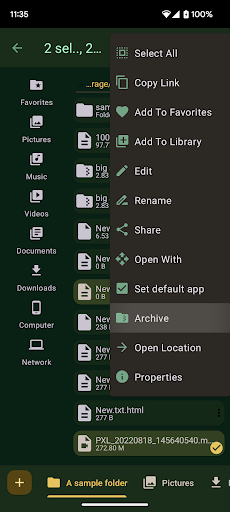
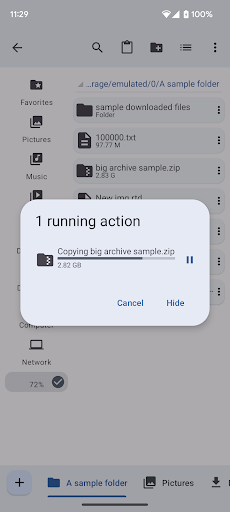
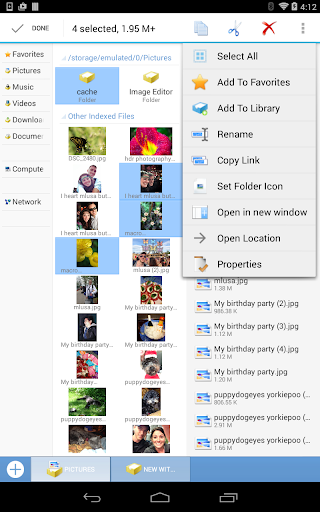
Copy and paste files and folders as you would in a desktop file manager. Tabs let you switch among open locations without closing the folder you were working in, which is useful when sorting documents or moving items between places. The app also includes ZIP tools for creating archives and extracting their contents.
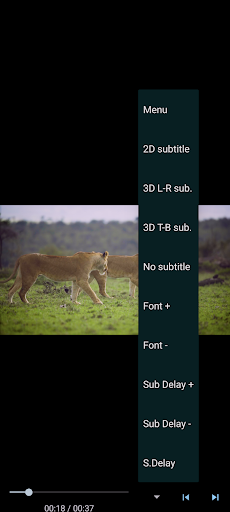
Built-in viewers and playback tools can open supported photos, music and videos, so you can inspect common media without first choosing another app. Computer File Explorer also includes an application manager for opening an installed app, uninstalling it or viewing its system management page.
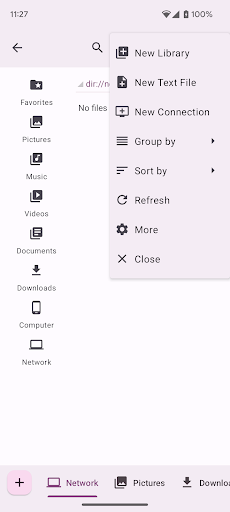
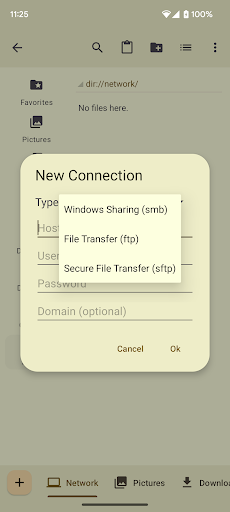
For access beyond the phone, it supports SMB connections to PCs, plus FTP and SFTP. These options make it relevant to users who keep shared files on a home computer or network server. The available connection types are a practical reason to consider it; they do not mean every network setup will work without configuration.
Developed by Byte Mobile and listed in Tools, Computer File Explorer has a 4.4-star rating from 86,480 reviews and more than 10 million installs. Those figures suggest it has found a substantial audience, though the better test is whether its folder tabs, archive handling and network access match the way you manage files.